

A simple start01
Fast access and one account for the whole customer relationship
The customer starts with a phone number and verification code, then finds balance, rides, saved places, notifications, and settings in one personal space.
Message us on Facebook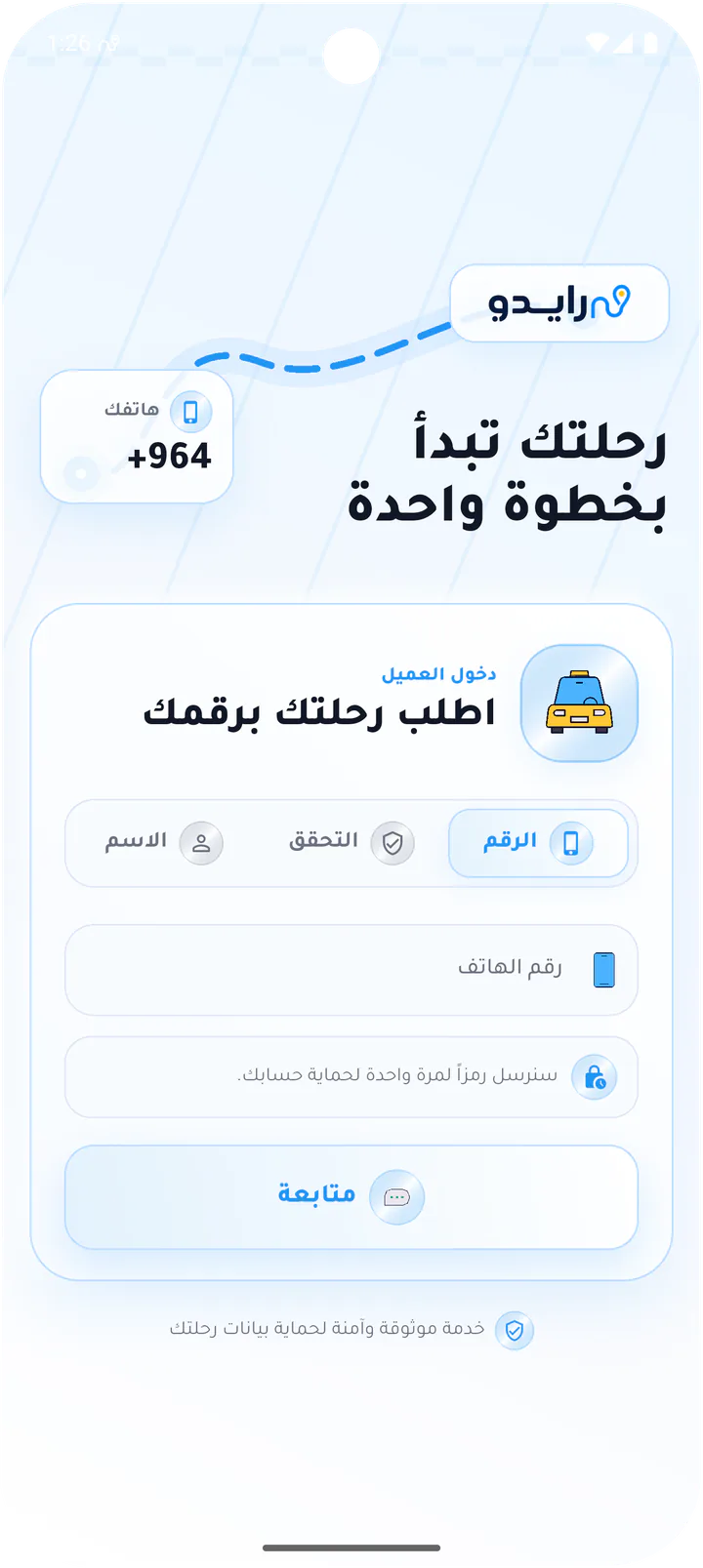
What this page covers
From phone number to a ride-ready account
The screens move through access and loading states into the customer account and settings, keeping identity and ride management close.- 01
Phone access with one-time verification
- 02
Balance, ride, and saved-place overview
- 03
Profile editing and account settings
- 04
Explicit confirmation before signing out
Real screens from the app
Access and account
The customer starts with a phone number and verification code, then finds balance, rides, saved places, notifications, and settings in one personal space.Screen 01
Customer phone sign-in
Opening screen with Rido branding, a phone-number field, and a clear Continue action that starts the ride request flow.Screen 02
One-time code verification
Code entry screen for the SMS access code, including progress feedback and resend controls.Screen 03
Preparing the customer account
Short loading state shown after phone verification and profile setup before the map opens.Screen 04
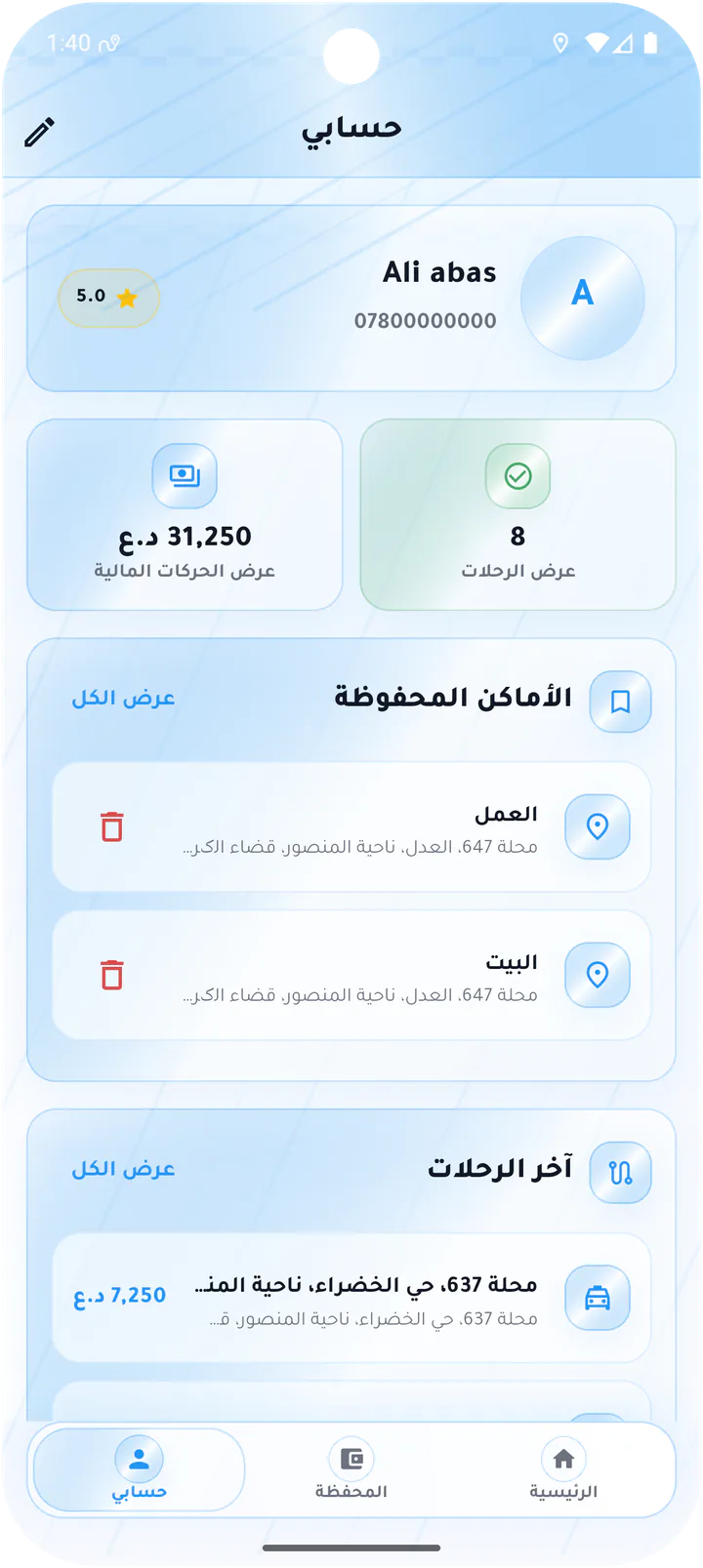
Customer account overview
Account dashboard with rating, wallet balance, trip count, saved places, and recent rides.Screen 05
Edit customer profile
Profile editor for name and email with save and cancel actions.Screen 06
Recent rides and notifications
Account feed combining the latest trips and notifications such as offers and completed rides.Screen 07
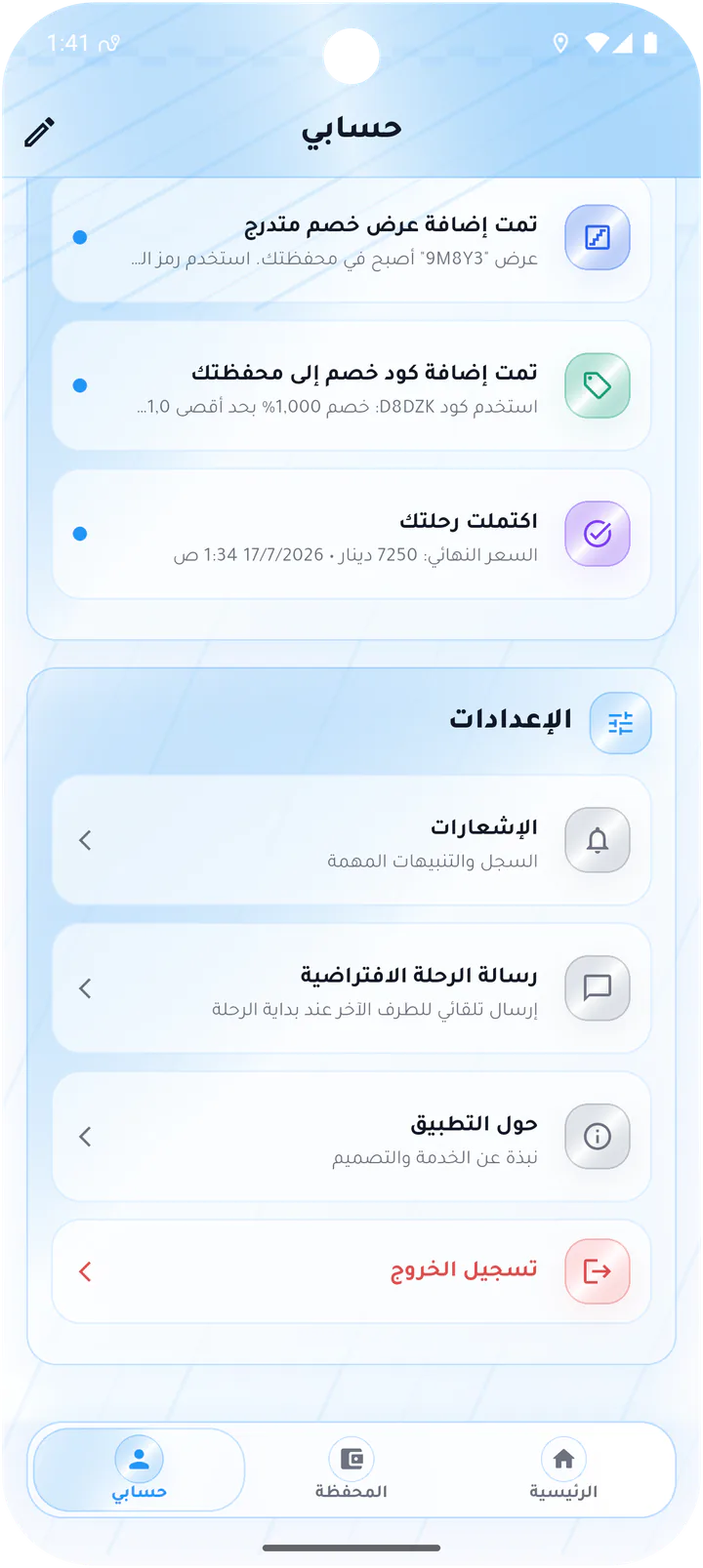
Customer account settings
Settings list for notifications, default ride message, app information, and sign out.Screen 08
Confirm customer sign-out
Sign-out confirmation dialog with clear cancel and logout actions.Customer app