

Accurate selection02
Search for a place and confirm every point on the map
Customers can search pickup and destination, adjust the map selection, and reuse Home, Work, and saved places to shorten repeat bookings.
Message us on Facebook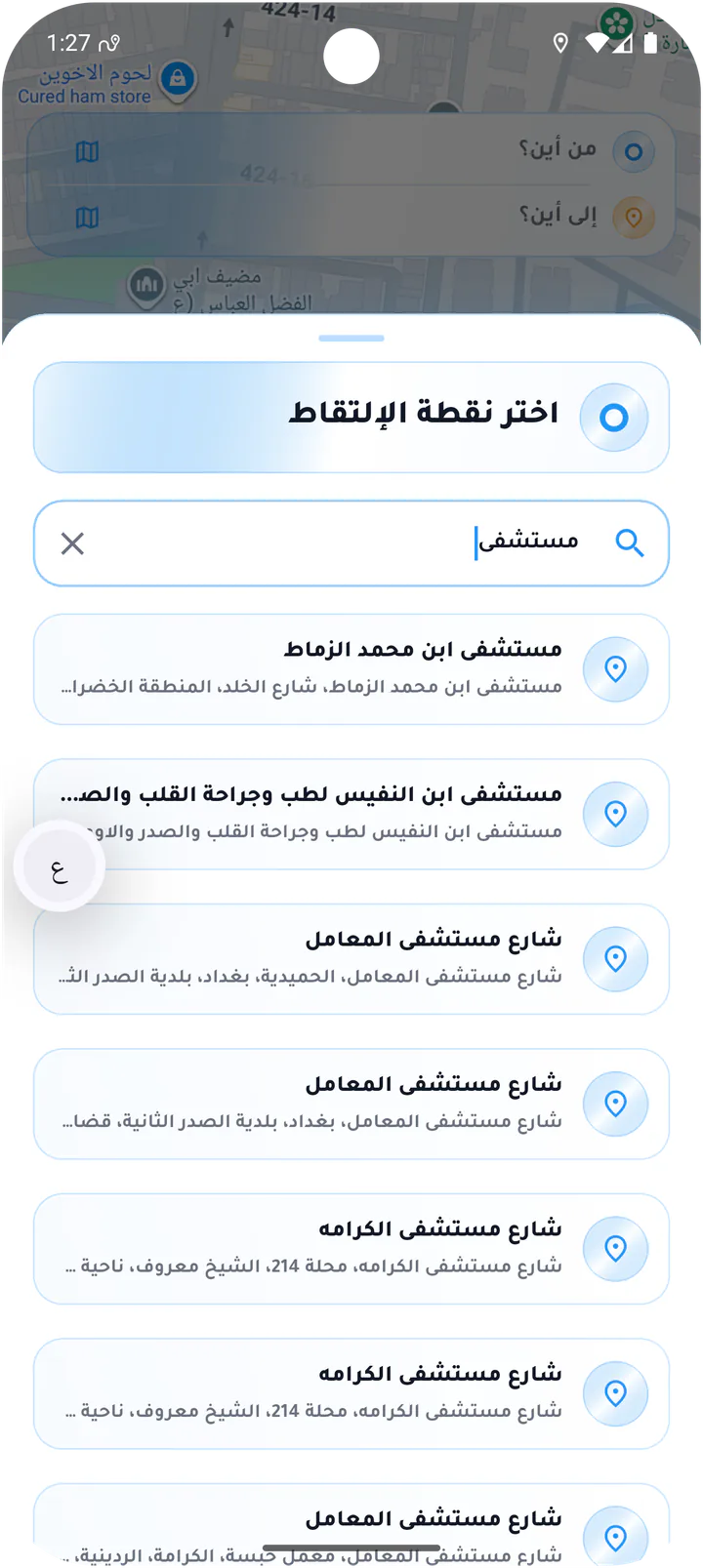
What this page covers
Build the route one clear step at a time
The sequence moves from search to selection, confirmation, and saving without losing the map context.- 01
Search addresses and known places
- 02
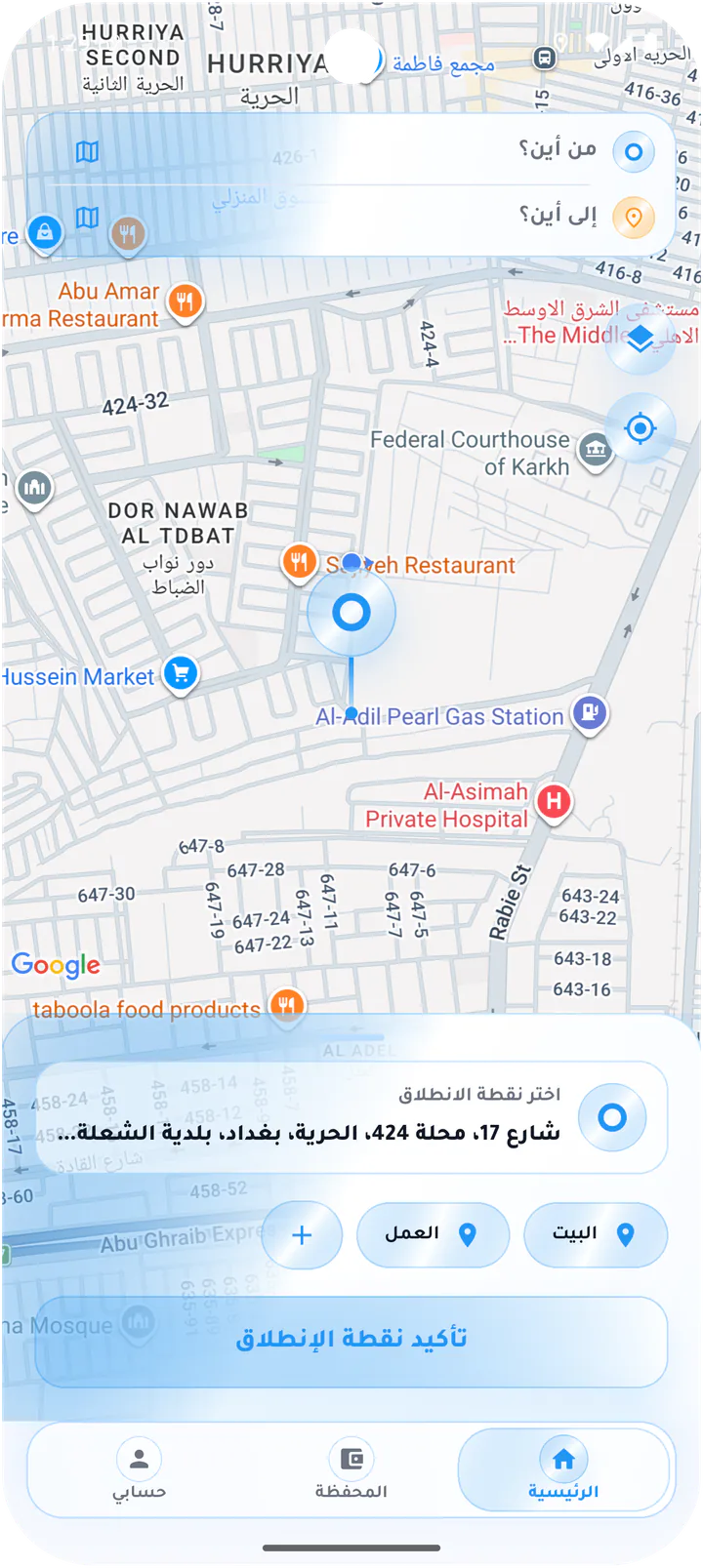
Confirm pickup and destination separately
- 03
Map layers and live traffic
- 04
Save Home, Work, and additional places
Real screens from the app
Route and saved places
Customers can search pickup and destination, adjust the map selection, and reuse Home, Work, and saved places to shorten repeat bookings.Screen 01
Customer map preferences
Bottom sheet for switching between standard, satellite, and terrain maps and showing live traffic.Screen 02
Search for a pickup place
Pickup search sheet with a search field and place results such as streets and hospitals.Screen 03
Save the current place
Map-based form for naming and saving the current address as a reusable place.Screen 04
Confirm the pickup point
Pickup selection map with Home and Work shortcuts and a clear confirmation action.Screen 05
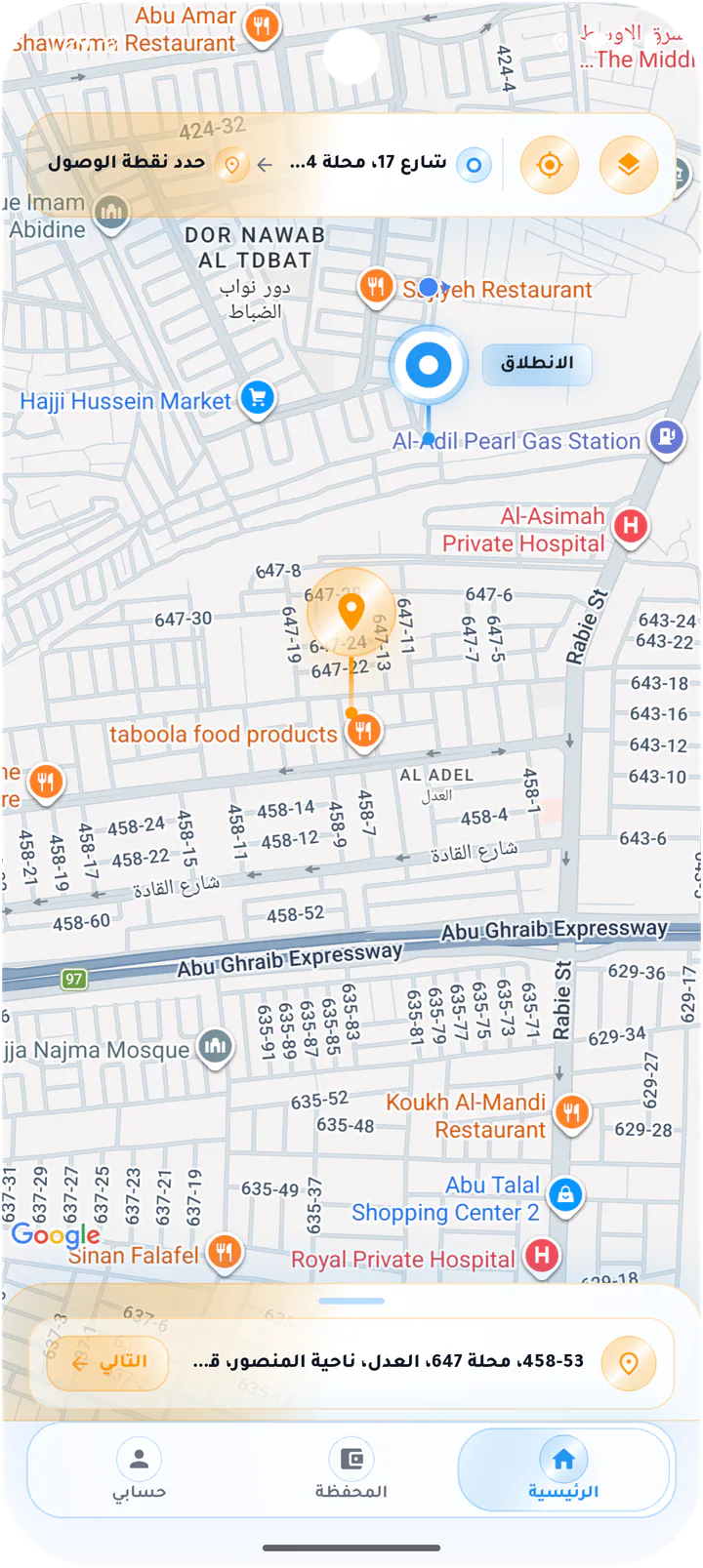
Build the ride route
Route builder showing pickup and destination fields with a guided Next step.Screen 06
Select the destination on the map
Destination map with the amber endpoint marker and the selected pickup shown above.Screen 07
Confirm the destination
Destination confirmation sheet with address details, Home and Work shortcuts, and cancel and confirm actions.Screen 08
Saved places
Home and Work addresses with add-place and delete controls.Screen 09
Delete a saved place
Confirmation dialog for removing a saved place such as Work.Customer app