

Pickup coordination04
Text, voice, and an automatic message inside the ride
Drivers can use text or voice, see message activity, return to the archived chat, and configure a default message that reduces repetitive typing.
Message us on Facebook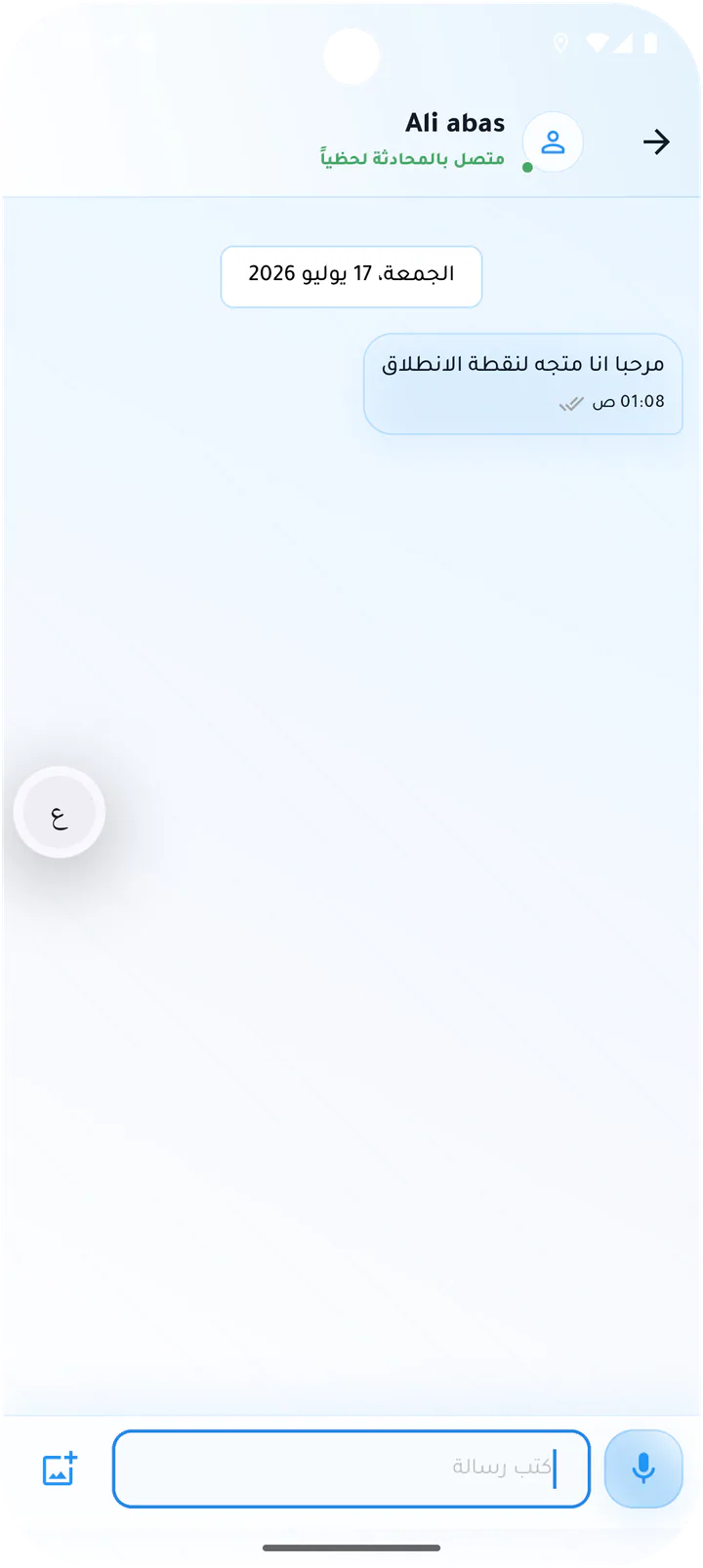
What this page covers
Practical communication without leaving the ride flow
The screens cover text, recording, listening, exchanged clips, archived history, and default-message settings.- 01
Exchanged text and voice messages
- 02
Recording, listening, and playback speed
- 03
Unread badge while navigating
- 04
Archived chat and configurable automatic message
Real screens from the app
Chat and messages
Drivers can use text or voice, see message activity, return to the archived chat, and configure a default message that reduces repetitive typing.Screen 01
Text chat with the customer
Ride chat with a pickup message, text input, and voice-recording control.Screen 02
Voice listening indicator
Chat activity showing that the other party is listening to a voice message.Screen 03
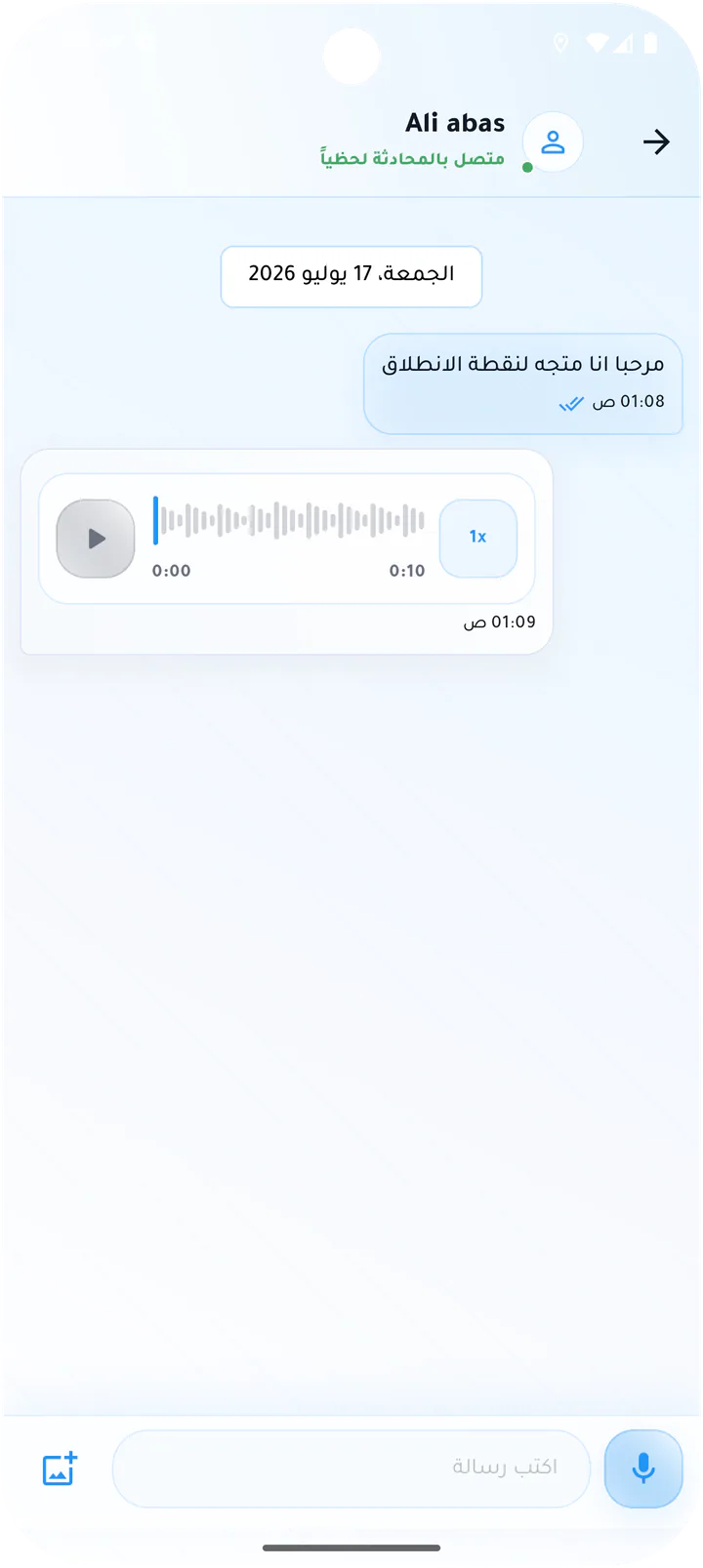
Incoming customer voice message
Received voice note with playback controls and speed selection.Screen 04
Recording a voice message
Voice-recording state with timer and swipe-to-cancel guidance.Screen 05
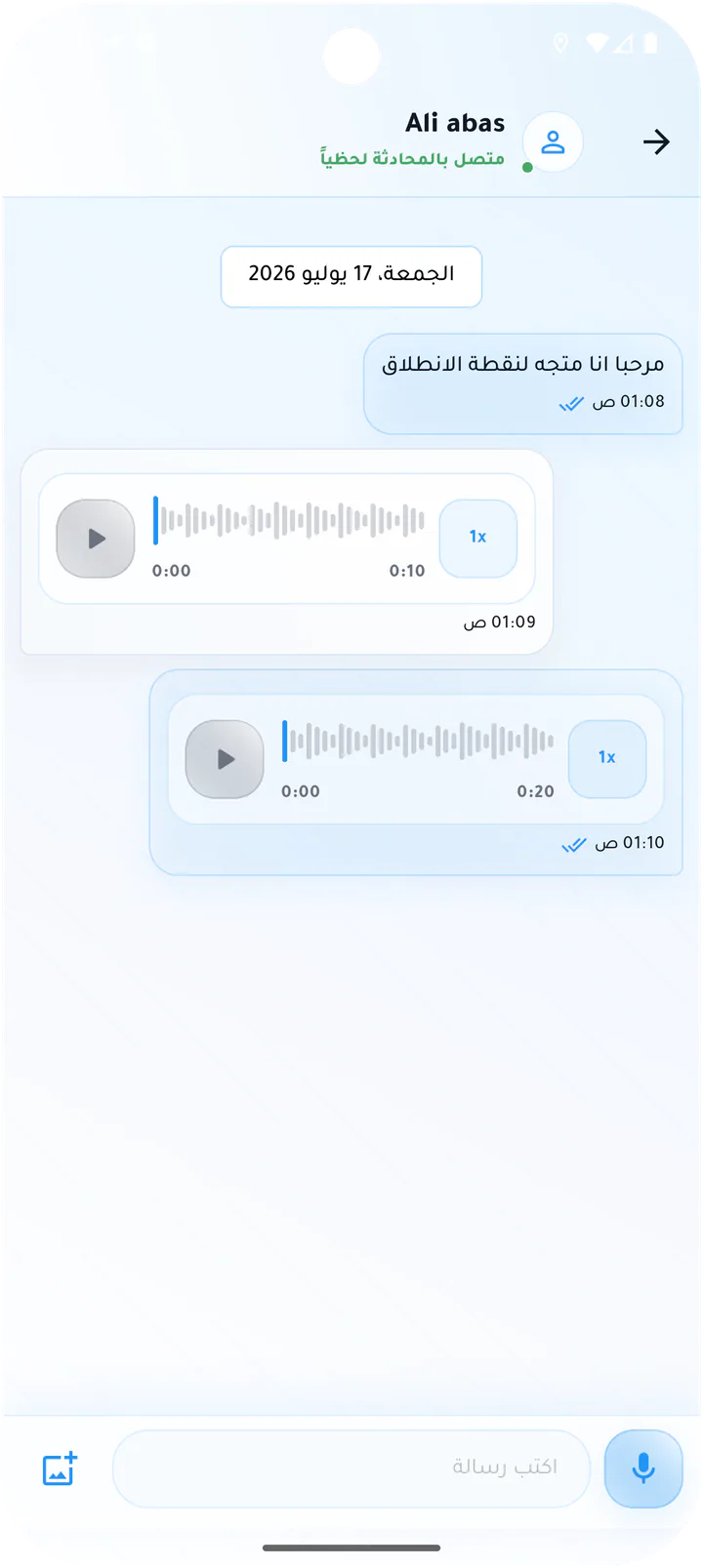
Sent driver voice message
Driver voice note shown alongside the customer incoming message.Screen 06
Multi-message voice conversation
Ride chat with several exchanged voice notes and the message composer.Screen 07
Read-only chat after the ride
Archived conversation with text and voice messages after ride completion.Screen 08
Default trip message
Automated message setting with trigger timing, message body, and Save action.Driver app